
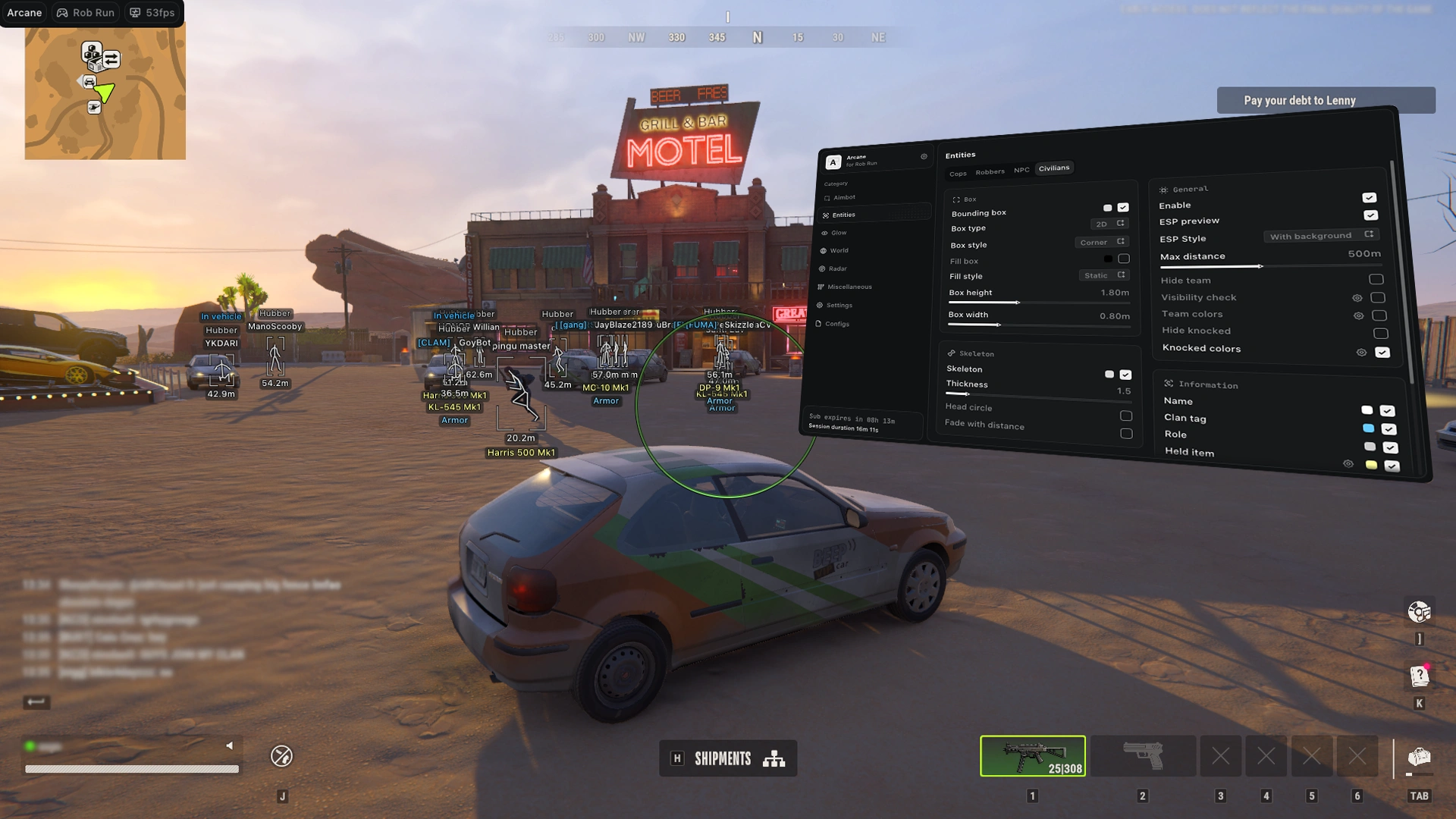
How to install and launch Arcane cheats: requirements, PC preparation for NVIDIA and AMD, loader setup, menu keys and common fixes.
Before you start
Read every step before you activate your key. Most problems come from a skipped step.
- Install the Visual C++ Redistributable x64.
- Restart your computer before you start the software. This is required.
Disable or remove (mandatory)
- Remove your antivirus.
- Disable SmartScreen.
- Disable Windows Defender.
- Remove FaceIt and Vanguard (FaceIt is the CS2 anti-cheat, Vanguard is the Valorant anti-cheat).
Prepare your PC
- Graphics card:
- You need an NVIDIA or AMD graphics card.
- If you have NVIDIA:
- Install the NVIDIA App and sign in.
- Install the latest video driver.
- Enable the NVIDIA overlay.
- If you have AMD:
- Install AMD Software: Adrenalin Edition (the PRO edition does not work).
- Install the latest video driver.
- Turn on the in-game overlay in the settings.
- In the Performance tab, enable the performance display.
- BIOS:
- Disable Intel Rapid Storage Technology.
- Dependencies:
- Make sure the Visual C++ Redistributable x64 is installed.
How to load
- Download the loader:
- Get it from one of these links and put it in its own folder:
- Run the loader:
- Run it as administrator.
- Wait for it to update, then run it again.
- Enter your key:
- Copy your key, then right-click inside the loader window to paste it, and press Enter.
- Click "Yes" if you need to clear traces of previous bans.
- Click "Yes" if you need the spoofer.
- The loader closes by itself once loading is done.
- Play:
- Launch the game. The menu appears automatically.
Menu keys
- Open or close the menu:
HomeorInsert. - Unturned: the menu opens with
Delete. - PUBG: the menu is on
Insertand only shows in a match, not in the lobby. Use the arrow keys to move through it. - Unload the software:
End.
AMD: loader asks you to open SteelSeries
If the loader says to open SteelSeries while it is already open:
- In SteelSeries GG, go to Settings > Sonar > Shortcuts.
- Bind a shortcut to Master - Volume up.
- Press that shortcut once, then open the loader.
Please keep in mind
- Using any cheat is always a risk, and you use it at your own risk.
- Undetected status does not guarantee you will never be banned. A ban is possible with any software in any game.
- When the game updates, wait for the software to be updated before you play.
Got a blue screen (BSOD), a game ban, or stuck on a step? Join our Discord server and we will help you.